
Execution Data Profile
Description
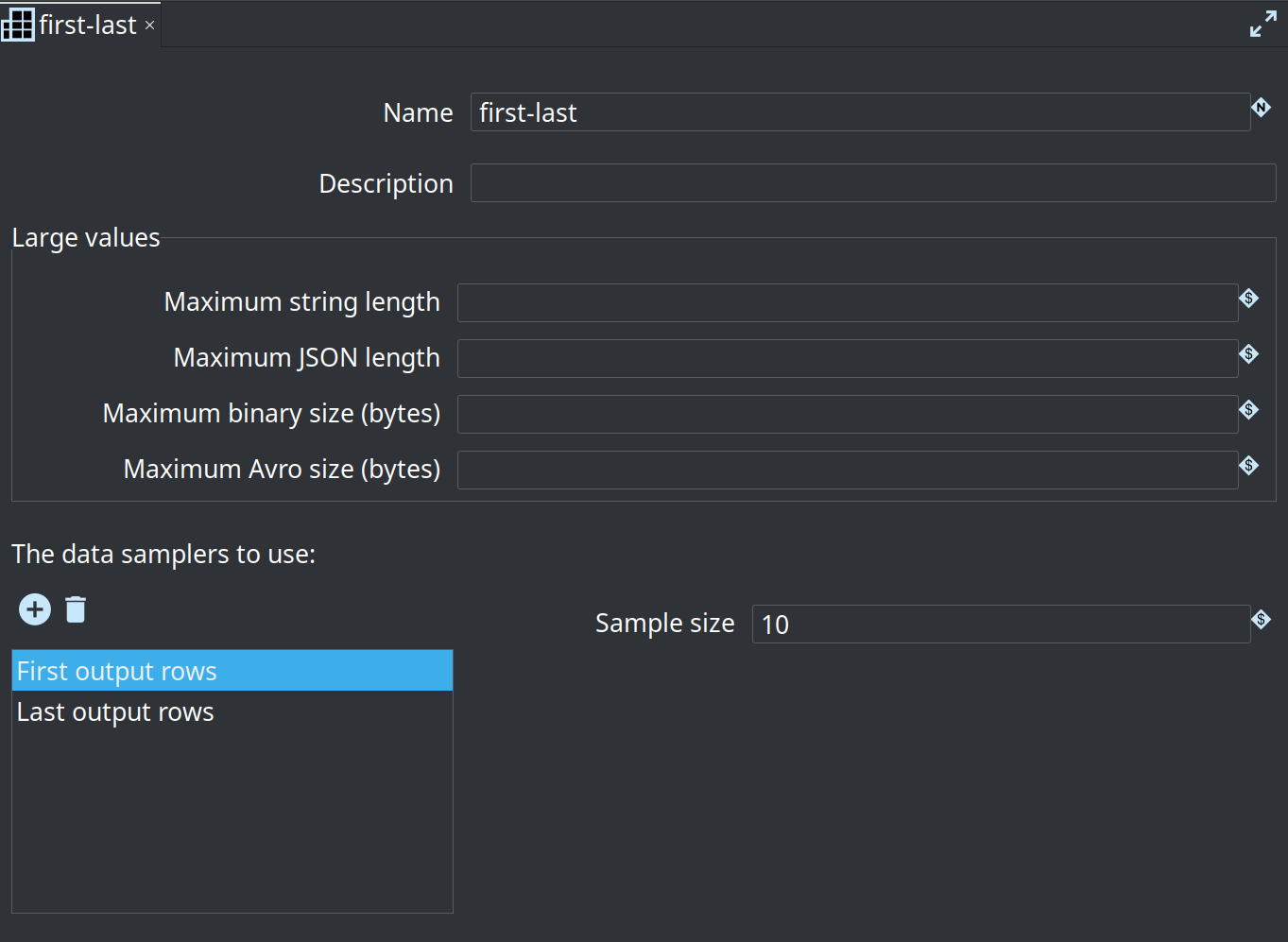
An Apache Hop Execution Data Profile builds data profiles as data flow through pipelines. A number of data profilers can be selected and configure the fine tune the type and detail of the data that is profiled.
Options
| Option | Description |
|---|---|
Name |
The name to be used for this Execution Data Profile |
Description |
A description to be used for this Execution Data Profile |
Maximum string length |
Maximum number of characters to keep for a String field. A JSON document kept in a String field uses this limit. Empty means no limit. |
Maximum JSON length |
Maximum number of characters of the compact JSON text to keep for a JSON field. Empty means no limit. |
Maximum binary size |
Maximum number of bytes to keep for a Binary field. Empty means no limit. |
Maximum Avro size |
Maximum number of bytes of schema JSON plus Avro datum to keep for an Avro Record field. Empty means no limit. |
Data Samplers to use |
One or more data samplers to use with this Execution Data Profile. See details below. |
The four size limits apply to every sampler in the profile. Leave a field empty to keep today’s behavior for that type. Minimum and maximum values are calculated only from values that were stored. Null counts and string lengths are still recorded for values that are left out. Minimum and maximum length example rows keep the other columns and replace the large value.
Data Samplers
| Data Sampler | Description | Options |
|---|---|---|
Data profile output rows |
Allow for some basic data profiling to be performed on transform output rows |
|
First output rows |
Samples the first rows of a transform output |
Sample size (default: 100) |
Last output rows |
Samples the last rows of a transform output |
Sample size (default: 100) |
Random output rows |
Do reservoir sampling on the output rows of a transform |
Sample size (default: 100) |