
Project Metadata
A project’s metadata typically contains a number of database connections (relational or NoSQL), logging configurations and so on. This metadata is stored on a project level and is available through the metadata perspective.
The way metadata typically is handled is:
-
metadata objects (connections, logging, …) are defined on a project level. E.g. a
CRMdatabase connection is created in the project, using a number of variables for hostname (${CRM_HOST}) and database name (${CRM_DBNAME}), with corresponding variables for the port, username, password and so on. -
the metadata object configuration is defined on an environment level, where a number of variable values are created the contain the ip address for
${CRM_HOST}etc.
A project’s metadata is stored in ${PROJECT_HOME}/metadata, but can be overruled by setting the project’s metadata base folder ${HOP_METADATA_FOLDER} property in the project configuration dialog or directly in the project-config.json file.
Shared metadata
Metadata that has to exist before a project is opened is stored with the Hop configuration, not in a project.
A HashiCorp Vault variable resolver and a Git repository named git-project in that metadata let a project home be git-project:///.
The same applies to SMB and the other named VFS schemes.
A container passes that document in HOP_SHARED_METADATA_IMPORT_JSON and uses the connection name as the project folder.
See Project home on a Git repository.
Set the folder in the configuration perspective, on the General tab, under the hop-config.json filename, or with Hop Conf:

hop-conf.sh --shared-metadata-folder='${HOP_CONFIG_FOLDER}/metadata'Export that folder to the same JSON document a project export writes:
hop-conf.sh -xsm=/tmp/shared-metadata.json--export-shared-metadata is the long name. The file is what --shared-metadata-import-file reads, and the text of the file is what --shared-metadata-import-json takes. The folder has to be set already.
An empty folder option means there is no shared metadata. The folder is a local path. It cannot be a named VFS scheme, because that scheme is defined by the metadata being read.
When a project is open the shared objects are loaded first, then the parent projects, then the active project. An object in a later place overrides an object of the same name. A new object is still saved in the active project.
The metadata editor has a read-only Metadata location list when more than one place is available.
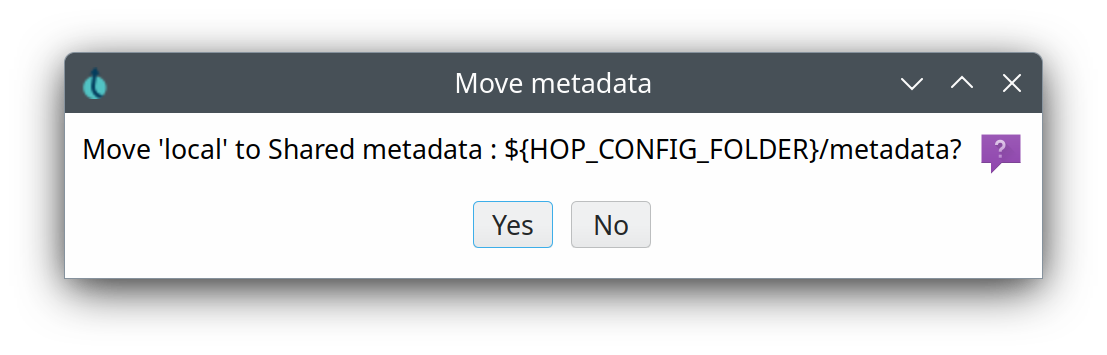
The list says where the object lives, for example Project metadata : ${PROJECT_HOME}/metadata or Shared metadata : ${HOP_CONFIG_FOLDER}/metadata.

Choosing another place moves the object. Hop asks first when the place is not the active project, and it refuses when that place already has an object of the same name.
Auto-export metadata to a single JSON file
Some integrations (for example Apache Airflow calling Hop Server, or Beam-style packaging) need the project metadata as a single JSON file rather than the per-type folder tree under metadata/.
You can already create that file manually:
-
GUI: Tools → Export metadata to JSON (Beam plugin)
-
CLI:
hop-conf --project=<name> --export-metadata=<path/to/metadata.json>
Optionally, a project can keep that file up to date automatically. In the project properties dialog enable Auto-export metadata and set a filename (default metadata.json, relative to the project home). When enabled, Hop rewrites the file when:
-
the project is enabled / switched to, and
-
a metadata object is created, updated, or deleted in the GUI.
The setting is stored in project-config.json:
{
  "autoExportMetadata" : true,
  "autoExportMetadataFilename" : "metadata.json"
}
Read-only projects never write the export file. Export failures are logged and do not block saving metadata.
A basic project metadata folder will look similar to the one below:
.
├── cassandra-connection
├── dataset
├── file-definition
├── git
├── mongodb-connection
├── neo4j-connection
├── neo4j-graph-model
├── partition
├── pipeline-log
├── pipeline-probe
├── pipeline-run-configuration
│   ├── local.json
│   └── Spark.json
├── rdbms
│   └── crm.json
├── schema-definition
├── server
├── splunk
├── unit-test
├── web-service
├── workflow-log
└── workflow-run-configuration
    └── local.json
18 directories, 4 files